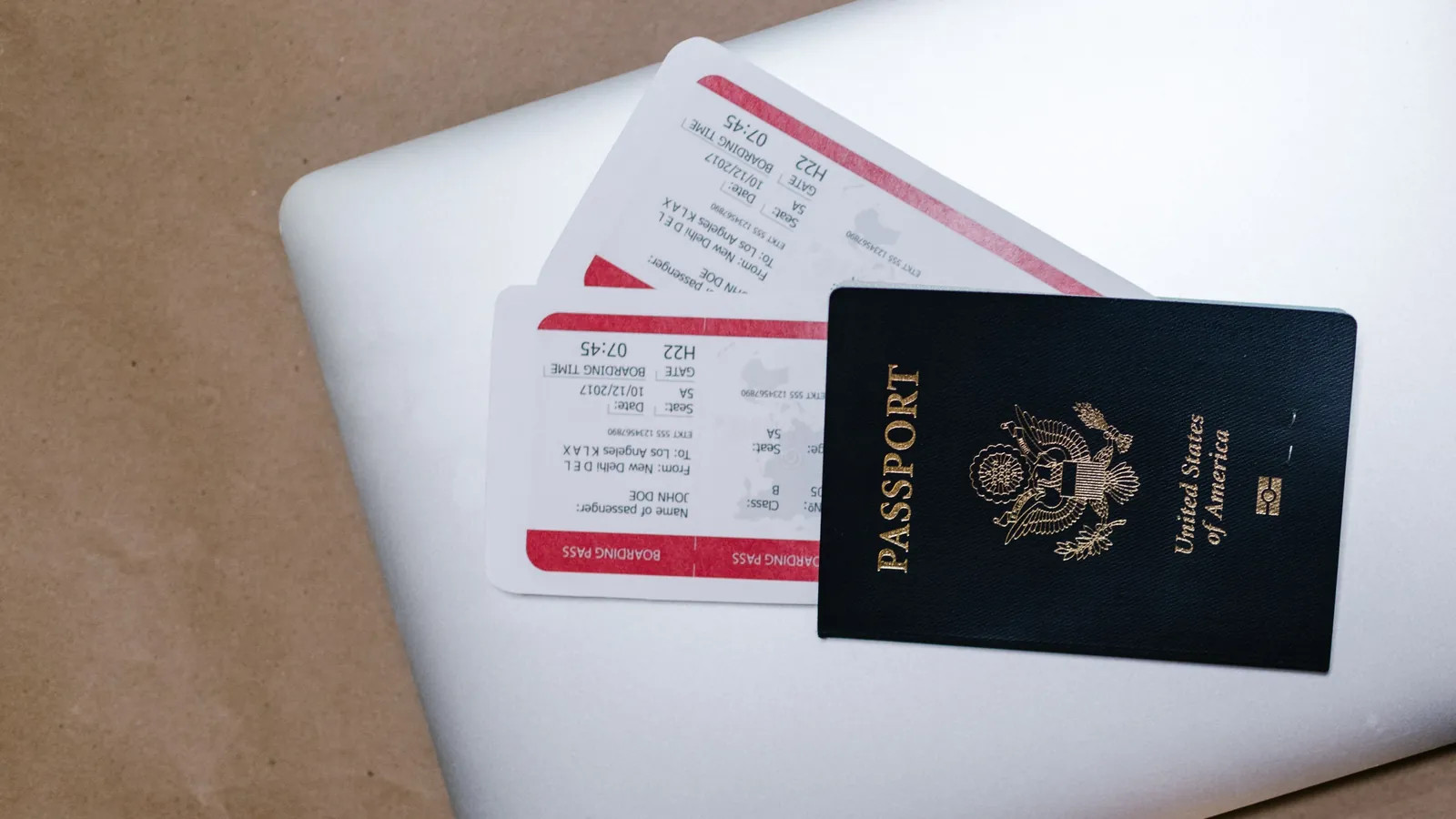
The worst time to search through 37 emails is when the airport Wi-Fi is failing, a driver is waiting and you cannot remember whether your hotel booking was made through the hotel, an agency or a forwarded message from another traveler.
The information exists.
It is simply scattered across:
- confirmation emails
- airline applications
- screenshots
- messaging conversations
- calendar events
- PDFs
- booking platforms
The single-note travel system replaces that fragmentation with one master note containing the information you will actually need during the trip.
It is not a replacement for airline apps, digital wallets or original booking emails. It is a fast-access dashboard that tells you where you need to be, when you need to be there and where the original confirmation can be found.
The system works in Apple Notes, Google Keep, Microsoft OneNote or almost any notes app that supports links and offline access. Apple Notes can pin notes, create checklists, add attachments and scan documents. Google Keep can pin important notes and make them available through its mobile apps while offline. Microsoft OneNote is designed as a searchable digital notebook available across computers and mobile devices.
The important part is not the application.
It is the structure.
Why email should not be your travel dashboard
Email is useful for receiving confirmations, but it is inefficient during a journey.
A hotel address may be buried below promotional text. A flight-change message may sit beside the original itinerary. A booking reference may appear in an attachment rather than the email body. Searching can also become difficult when roaming data, airport Wi-Fi or account authentication is unreliable.
A travel note solves a different problem.
Instead of storing every possible piece of information, it extracts the small number of details required to take the next action.
For a flight, that means:
Airport
Terminal
Flight number
Departure time
Booking reference
Baggage allowance
Link to manage booking
For accommodation:
Property name
Full address
Check-in time
Booking reference
Telephone number
Map link
Payment status
You retain the original emails and apps, but the master note becomes the first place you look.
Start with a five-second emergency block
The top of the note should contain information that can be understood immediately.
Do not begin with a long introduction or decorative itinerary.
Use a compact block:
ROME — 1 TO 6 AUGUST 2026

Hotel:
Hotel Example, Via Example 20

Check-in:
3:00 p.m.

Main flight:
W6 0000 — SKP to FCO
1 August, 08:10

Travel partner:
Name — telephone number

Travel insurance:
Provider — policy reference

Emergency card number:
Number printed on the back of the card
This section should answer the most urgent questions without scrolling.
It is particularly useful when you need to show an address to a driver, confirm the property name at immigration or give a companion the flight number.
Do not place passwords, card PINs or authentication codes inside the note.
Organize the trip in chronological order
The rest of the note should follow the sequence in which the journey will happen.
A practical structure is:
1. Before leaving home
2. Outbound flight
3. Airport transfer
4. Accommodation
5. Daily bookings
6. Return journey
7. Emergency information
Chronological order is more useful than organizing information by company.
At 6:00 a.m. on departure day, you do not want to remember whether the transfer was booked through the hotel, an agency or a taxi application. You want the next section of the note to tell you:
Driver pickup: 05:45
Location: Main entrance
Driver number: +...
Reservation: ABC123
Payment: Paid
The master note should behave like a sequence of decisions, not like an archive.
Use direct links, not only booking references
A booking number is useful only when you also know where to enter it.
For every major reservation, include both:
Booking reference: ABC123
Manage booking: direct link
Useful links include:
- airline manage-booking page
- accommodation map location
- online check-in page
- train or bus ticket
- restaurant reservation
- car-rental pickup instructions
- travel-insurance claim page
Avoid copying temporary links that expire after one login session.
Test the important links before departure. Open them from the note and confirm that they lead to the expected page rather than a generic homepage.
For airline and hotel reservations, retain the original confirmation email as the authoritative record. The note is the shortcut, not the legal or commercial record.
Add payment status beside every reservation
One of the most common sources of travel confusion is not whether a booking exists, but whether it has been paid.
Use one of four labels:
PAID
PAY AT PROPERTY
DEPOSIT PAID
PAYMENT PENDING
For example:
HOTEL

Total price: €620
Deposit paid: €120
Remaining at property: €500
City tax: Not included
Payment method: Card at check-in
This prevents two mistakes:
- assuming that an online reservation was already charged;
- paying twice because a companion does not know who completed the original transaction.
For group trips, add the name of the person who paid:
Paid by: Alex
Split required: €155 per person
Do not store full payment-card details inside the shared note.
Create a “today” section during the trip
A complete itinerary can still be too long when you need information quickly.
Each evening, move the next day’s essentials near the top:
TOMORROW — 3 AUGUST

08:15 — Leave hotel
09:00 — Vatican Museums
Booking: VM123
Entrance: Viale Vaticano
Map: [link]

13:30 — Lunch reservation
Restaurant: Example
Name used: Branko

18:10 — Train to Florence
Train: FR 0000
Platform: Check station board
Ticket: [link]
This turns the master note into a daily operating plan.
When the day is finished, move that section below the current day or mark it completed. Do not delete it immediately because it may contain references needed for a refund, complaint or expense record.
Make the note available offline
A travel system that only works with a strong internet connection is incomplete.
Before leaving:
- Open the full note on the phone you will carry.
- Open important attachments at least once.
- Activate airplane mode.
- Confirm that the note and essential information remain available.
- Restore connectivity and check that recent changes have synchronized.
Google states that offline access to Keep notes is available through its mobile apps, while OneNote maintains locally cached notebook content depending on what has been opened or downloaded. Exact offline behavior varies by app and device, so it should be tested rather than assumed.
Also store critical tickets in their intended offline location:
- airline boarding pass in the airline app or wallet
- rail ticket downloaded as PDF
- accommodation address in offline maps
- emergency telephone numbers in contacts
The note should point to those items, but it should not be the only copy.
Use attachments carefully
A note can hold PDFs, photographs, scans and screenshots. Apple Notes, for example, can scan documents into a note as PDFs and can search typed text, scanned text and some content found inside images.
That does not mean every travel document belongs in one large shared note.
Reasonable attachments include:
- transport tickets
- attraction vouchers
- simple booking confirmations
- car-rental instructions
- non-sensitive receipts
Treat these more carefully:
- passport scans
- national identity cards
- visa documents
- insurance medical information
- payment-card details
When sensitive copies are necessary, store them in a protected location with appropriate device and account security. Apple Notes allows specific notes to be locked, but shared iCloud notes cannot be locked in the same way.
A safer division is:
Shared travel note:
Itinerary, bookings, addresses, links and costs

Private protected storage:
Identity documents and sensitive personal information
Share one source of truth
For a group trip, do not create several separate versions of the itinerary.
Share one master note and agree that it is the current version.
Google Keep allows collaborators to edit shared notes, while OneNote supports shared notebooks that can be accessed across devices.
Use simple ownership:
Flights — Branko
Accommodation — Ana
Activities — Mark
Transport — Elena
When a booking changes, the responsible person updates the master note immediately.
Avoid sending corrected details only through a chat message. The message may be missed, while the old time remains visible in the travel note.
A useful change format is:
UPDATED 31 JULY

Old departure: 14:20
New departure: 16:05
Source: Airline email
Updated by: Branko
Delete the old operational information only after all travelers have received the change.
Apply the two-minute booking rule
Every time you book or modify something, spend two additional minutes updating the note.
Record:
What was booked?
When does it happen?
Where does it happen?
What is the booking reference?
Has it been paid?
What is the direct access link?
Is any action still required?
This is easier than rebuilding the entire itinerary two days before departure.
The system fails when updating the note becomes a separate large project. It works when the update is treated as the final step of every reservation.
The booking is not complete until the master note reflects it.
The copy-and-paste Fintayo template
TRIP: [DESTINATION]
DATES: [START–END]
TIME ZONE: [LOCAL TIME ZONE]

================================
QUICK ACCESS
================================

Accommodation:
[Name]
[Full address]
[Map link]
[Telephone]

Main flight:
[Flight number]
[Date and time]
[Airport and terminal]

Travel partner:
[Name and telephone]

Insurance:
[Provider and policy reference]

================================
BEFORE DEPARTURE
================================

[ ] Online check-in
[ ] Download boarding passes
[ ] Activate eSIM/roaming plan
[ ] Download offline maps
[ ] Confirm airport transfer
[ ] Check passport/visa requirements
[ ] Check luggage limits

================================
OUTBOUND JOURNEY
================================

Flight:
Airline:
Flight number:
Date:
Departure:
Arrival:
Terminal:
Booking reference:
Baggage:
Seat:
Payment status:
Manage booking:
Notes:

================================
AIRPORT TRANSFER
================================

Provider:
Pickup time:
Pickup location:
Driver contact:
Booking reference:
Payment status:
Link:

================================
ACCOMMODATION
================================

Property:
Address:
Map:
Check-in:
Check-out:
Booking reference:
Telephone:
Total price:
Amount paid:
Amount remaining:
City tax:
Cancellation deadline:
Booking link:

================================
DAILY BOOKINGS
================================

DATE:

Time:
Activity:
Location:
Booking reference:
Payment status:
Ticket/link:
Notes:

================================
RETURN JOURNEY
================================

Flight/train:
Date:
Departure time:
Departure location:
Booking reference:
Check-in link:
Transfer to airport/station:

================================
EMERGENCY INFORMATION
================================

Local emergency number:
Travel insurer:
Card issuer emergency number:
Accommodation telephone:
Embassy/consulate:
Emergency contact at home:

================================
EXPENSES TO SPLIT
================================

Item:
Paid by:
Amount:
Split between:
Status:
Remove every section that does not apply. A shorter usable note is better than a comprehensive note that nobody opens.
What should remain outside the note
The system is not intended to become a digital suitcase containing everything.
Keep these in their proper tools:
| Information | Better location |
|---|---|
| Passwords | Password manager |
| Card PINs | Never store in the travel note |
| Authentication backup codes | Protected account storage |
| Full passport copy | Secure private storage |
| Boarding pass | Airline app or digital wallet |
| Offline navigation | Map application |
| Original confirmation | Email or booking provider |
| Medical records | Appropriate secure storage |
The note should help you find and understand information.
It should not weaken the security of that information.
The Fintayo takeaway
Travel problems become harder when the answer is split across five applications and three inboxes.
The single-note system creates one clear starting point:
One trip. One master note. One current version.
Put immediate information at the top, organize the rest chronologically, add direct links, mark payment status and test everything offline.
The system will not prevent a flight delay or a hotel from losing a reservation.
But it will prevent you from standing at the counter searching for information you already have.